
Everything your audit practice runs on, in one organised system.
Grouped by what you're trying to get done, not by menu item. Start with the outcome that matters most to your firm.


Make your best audit method the default for every team.
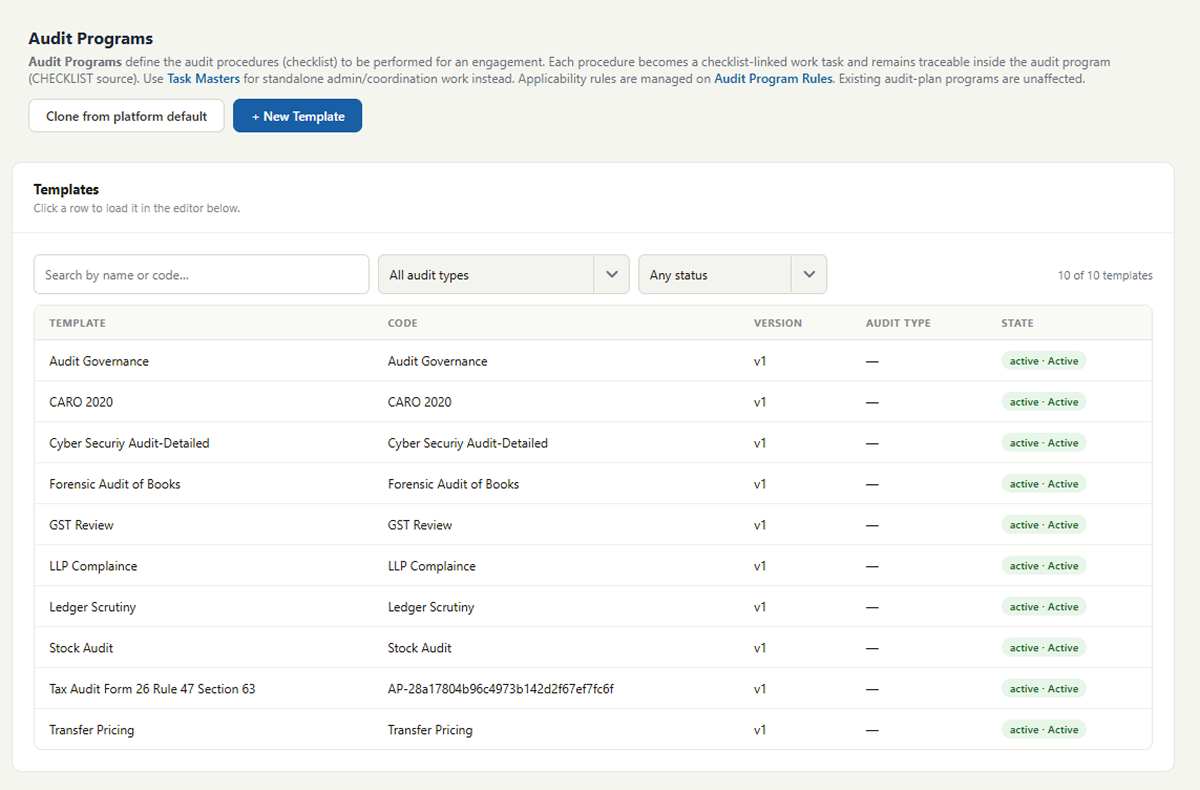
Build Audit Programs from sections and checklist items, decide when each step applies, and tag work to the standards your reviewers expect.
- Audit Programs, sections and checklist items
- Applicability rules by audit type, industry and entity
- Audit Areas and Sub-Areas (Area derived from Sub-Area)
- Risk, compliance and activity metadata
- Standards on Auditing tags
- Accounting-standard references
- Section-level Standard Requirement Lists
- Staff-only process notes and attachments on rules
In practice: A new article joins mid-season and follows the firm's statutory audit program, with partner guidance beside each step.
Start every engagement with structure, not a blank sheet.
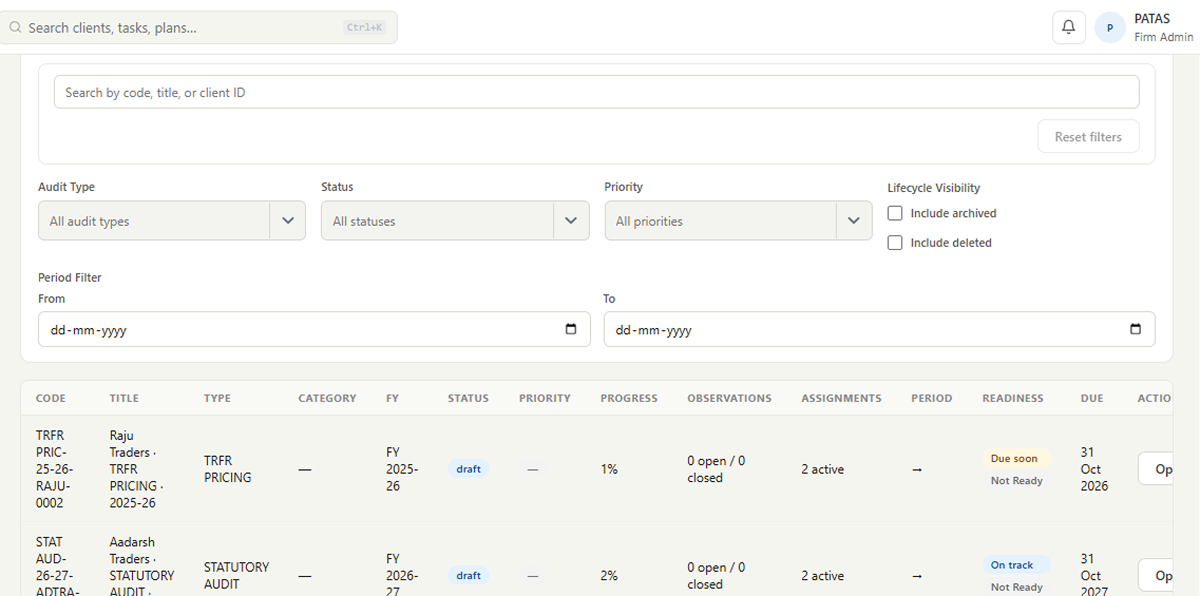
Create the Audit Plan, generate work from the right program, and run the engagement from one workspace that shows where everything stands.
- Audit Plans per client and period
- Work generated from Audit Programs
- Structured Audit Workspace
- Engagement navigation by area and section
- Progress at engagement, area and section level
In practice: The manager opens the workspace and sees Fieldwork at 62%, with fixed assets waiting on the client.
Clear ownership. No more “I thought you were doing that.”
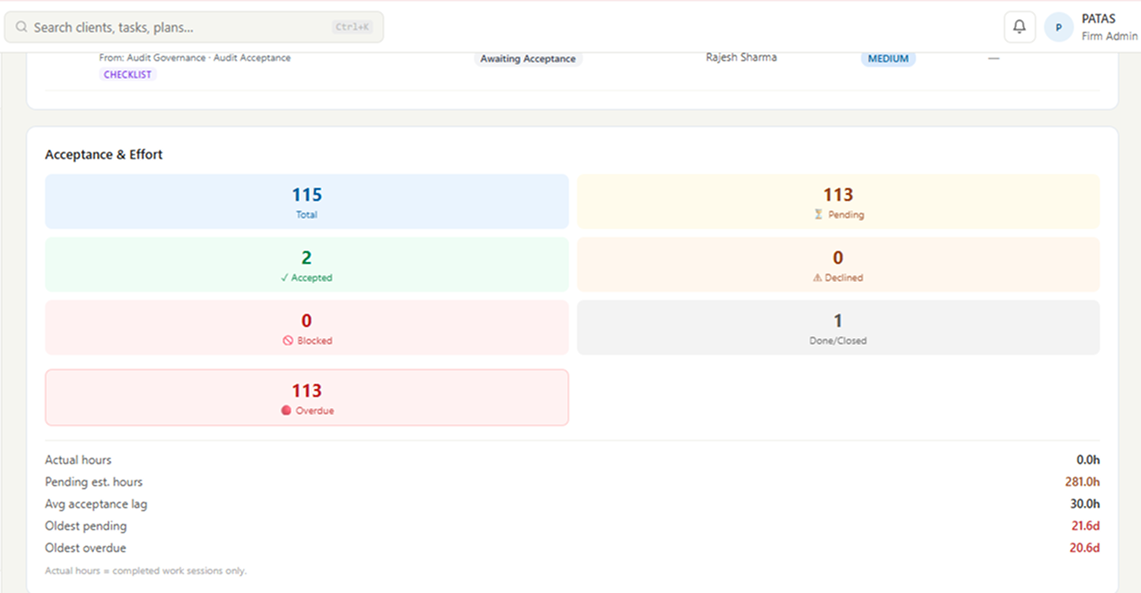
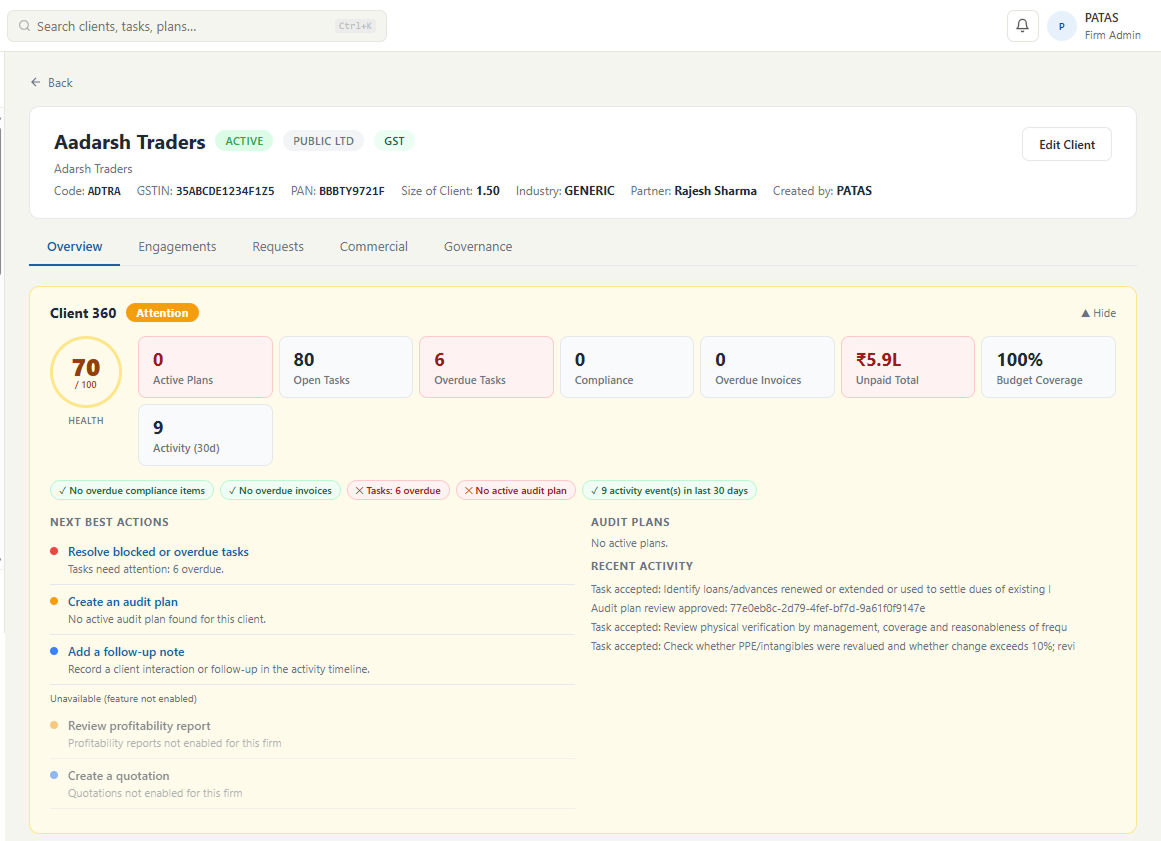
Assign sections and tasks with due dates. Each person gets one list of what's theirs; managers see what's pending and what's blocked.
- Assignments by section and task
- Due dates and status
- My Tasks for every team member
- Pending and blocked work, visible
- Time and work-session visibility
In practice: Before the Monday call, the partner already knows which two sections are blocked and why.
Get client documents without the chaos.
Start from the program's standard list, or raise individual requests. Your team reviews and adjusts the list for this client, then sends it through the client portal. Every request has a history.
- Standard Requirements pre-filled from the program
- Edit, remove or add before sending
- Ad-hoc individual requests
- Sent only when your team chooses
- Request status and history
- Fulfilment through the client portal
In practice: The Cash & Bank list arrives pre-filled. Arjun removes FD receipts, adds a sanction letter and sends it in two minutes.
Evidence that stays with the work it supports.
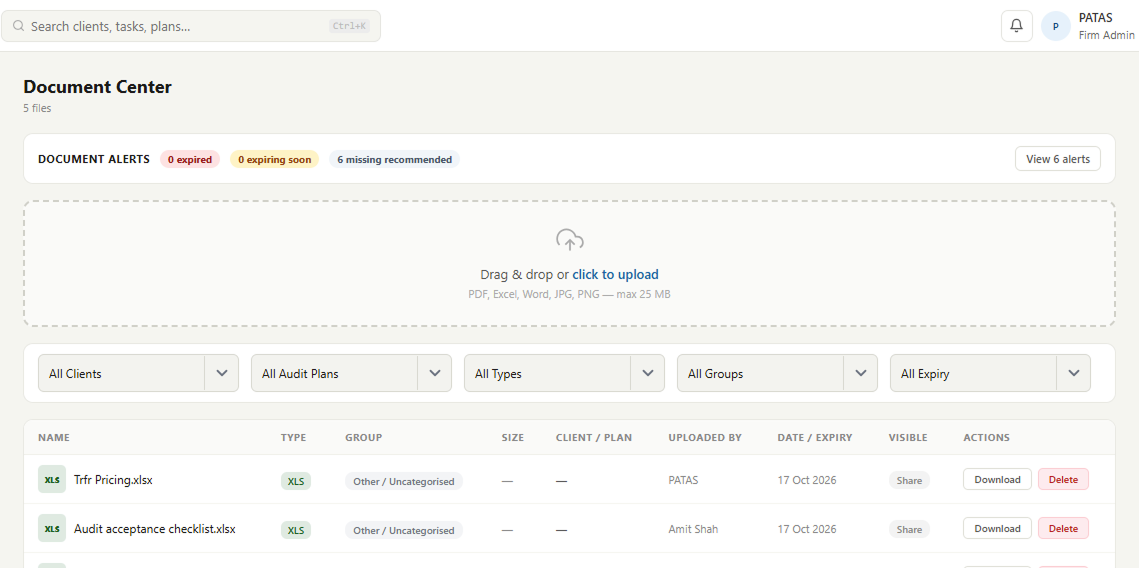
Documents, attachments and comments live on the step they belong to, so the file is never “somewhere in someone's email”.
- Documents and attachments per step
- Evidence linked to checklist items
- Comments in context
- Staff-only process-note attachments on rules
In practice: The reviewer opens a step and finds the BRS, the bank confirmation and the preparer's note in one place.
Review that's easy to follow, and hard to lose.
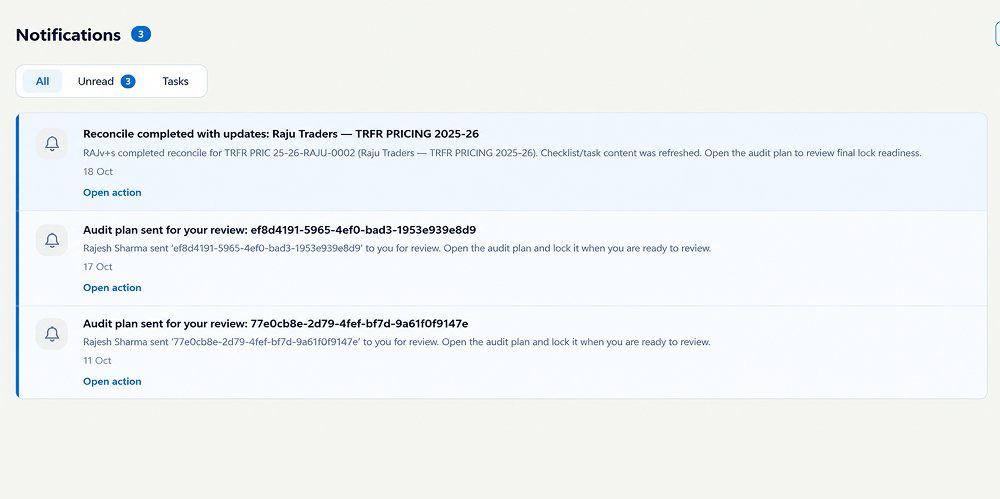
Reviewers raise observations, discuss them in context, and close them out. Everyone sees what was raised and how it was resolved.
- Reviewer workflow
- Observations raised and resolved
- Comment threads on the work
- Activity trail
- Review / lock controls where enabled
In practice: Three open review points, each assigned and visible. No hunting through email to see whether they were closed.
Manage the firm, not just one audit.
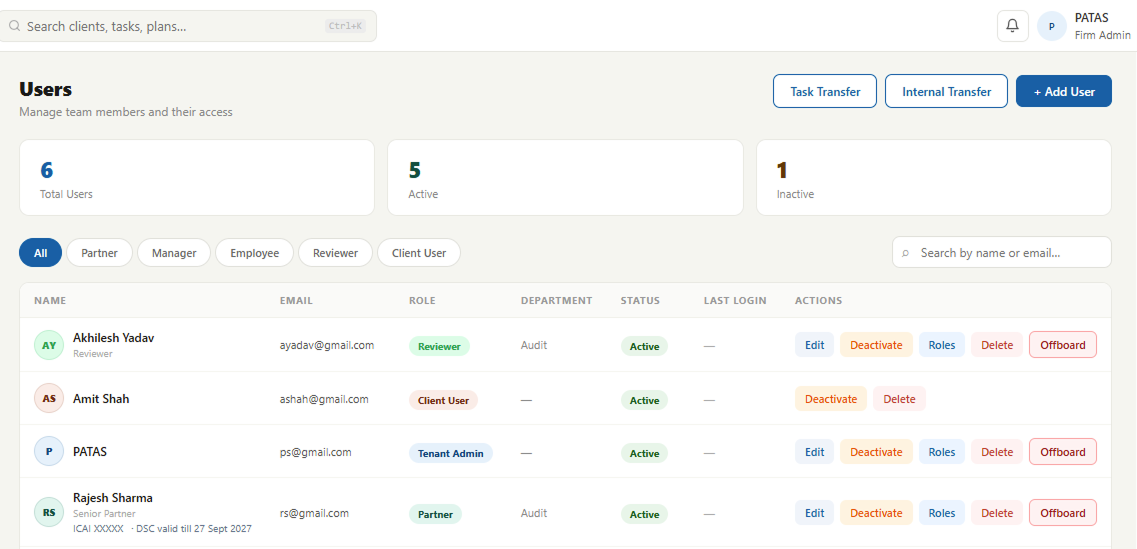
Set up your firm once: people, structure, access and the master data every engagement draws on.
- Firm setup and departments
- Users, employee grades and cost rates
- Roles and permissions
- Custom fields
- Numbering and codes
- Notification rules and email settings
- Reusable master data
In practice: The firm admin adds a new manager, assigns a role and they see exactly the engagements they should.
See how the practice is performing.
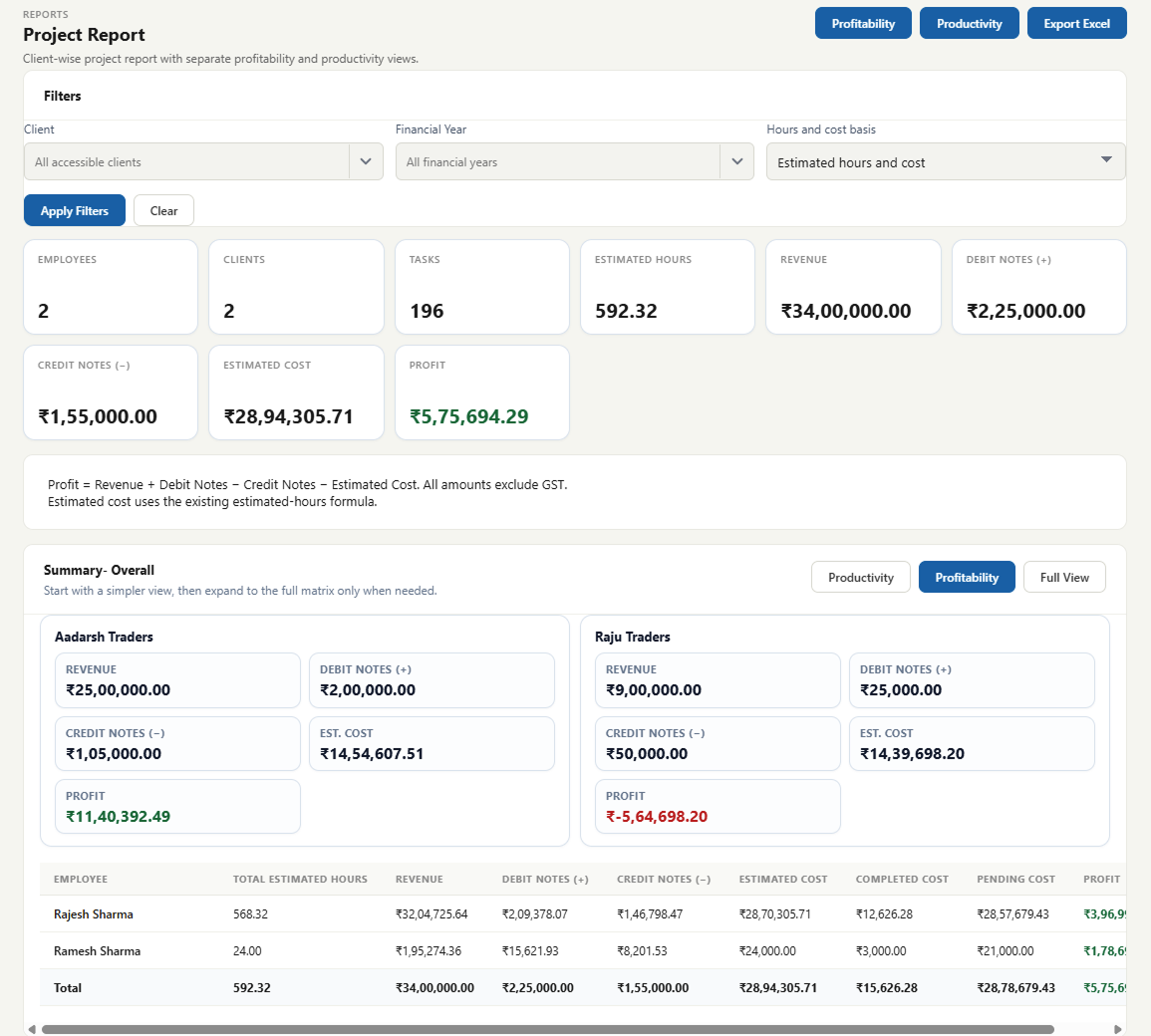
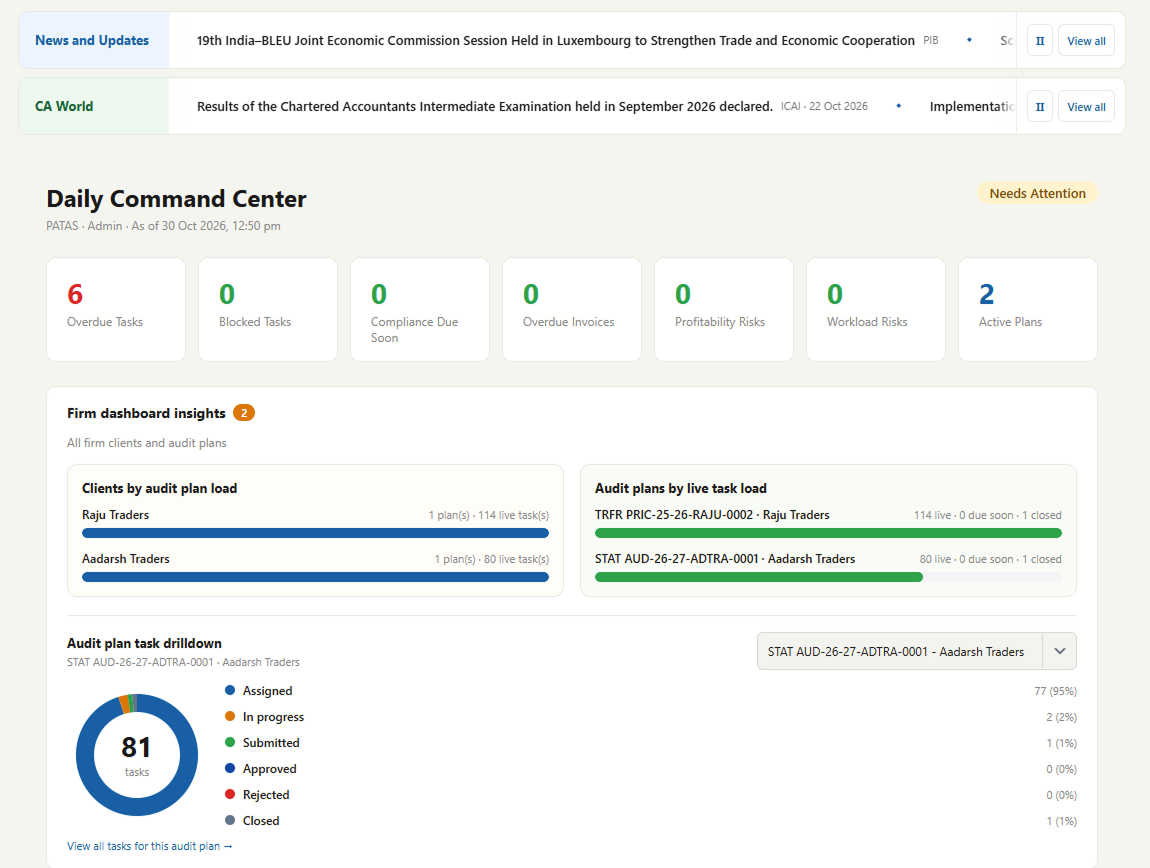
Move from “I think we're on track” to seeing it: progress, time, productivity, profitability and capacity across the firm.
- Engagement progress reports
- Analytics dashboards
- Productivity and time views
- Profitability views
- Resource planning
In practice: Ahead of peak season, the partners look at team workload before committing to two new engagements.
Commercial administration Where enabled
Billing, quotations, renewals and related firm administration surfaces.
A more professional experience for your clients.
Clients get one controlled place to see what you've asked for and respond against each request, instead of a trail of emails and WhatsApp messages.
- Requests addressed to the client
- Upload documents against each item
- Clear status of what's outstanding
Clients never see your Audit Programs, rules or internal process notes, only the requests your team sends.
That's the depth. The demo shows you the fit.
We'll focus on the two or three areas that matter most to your firm.